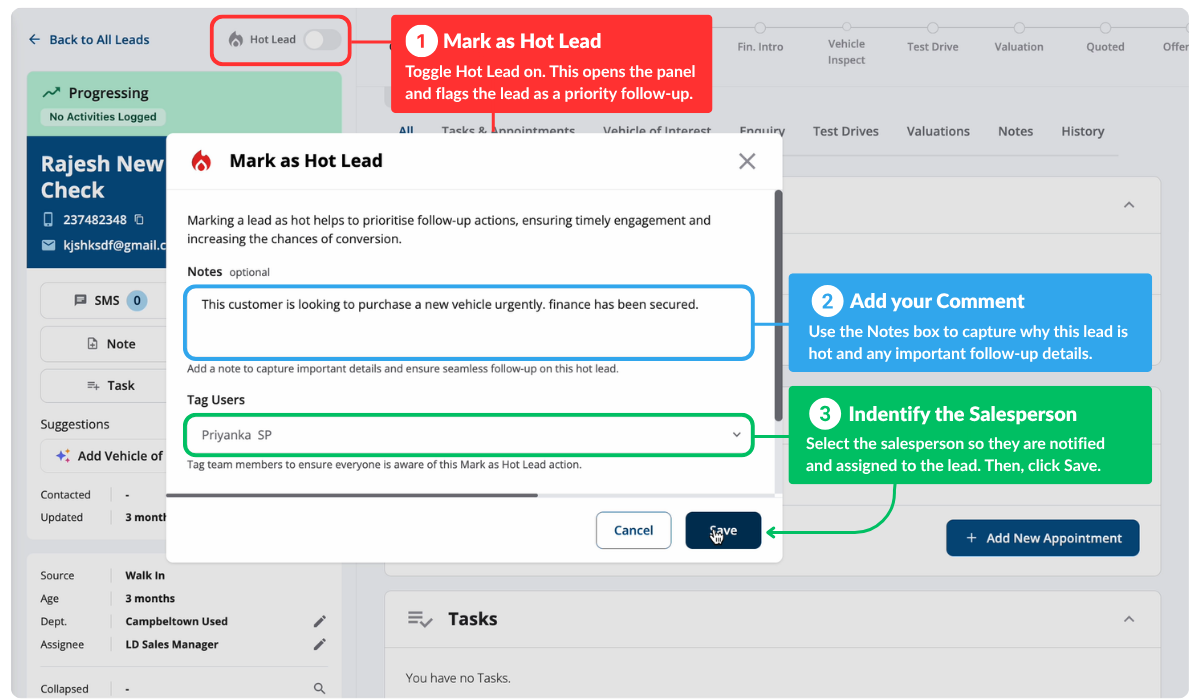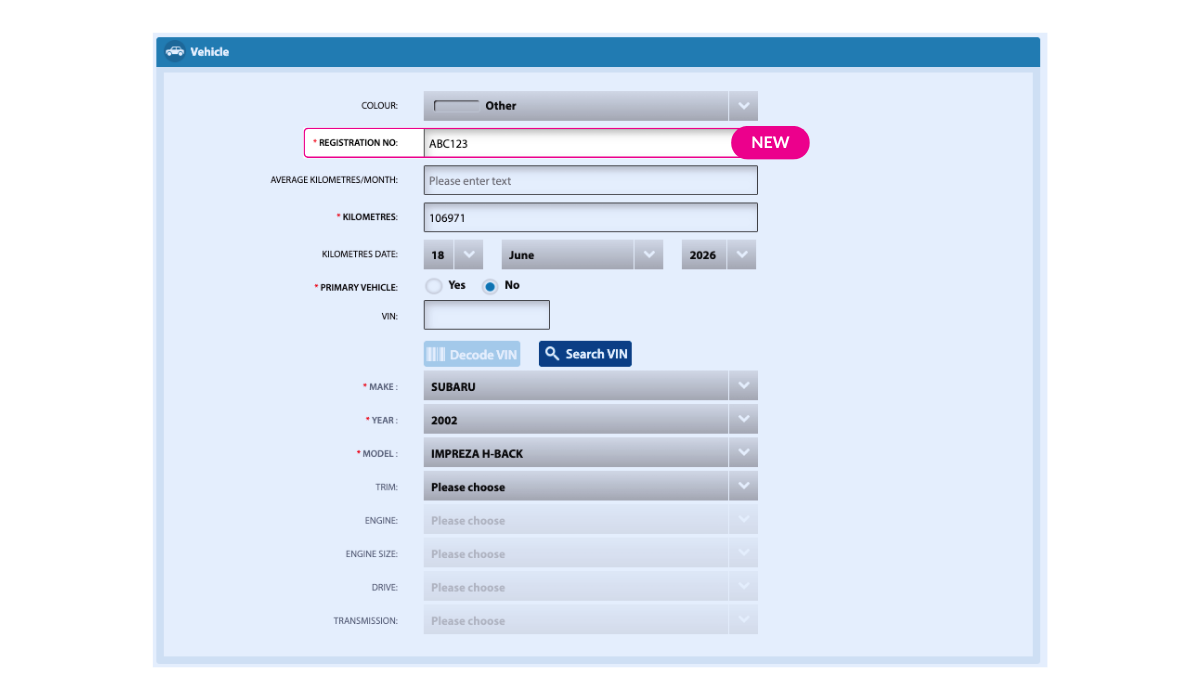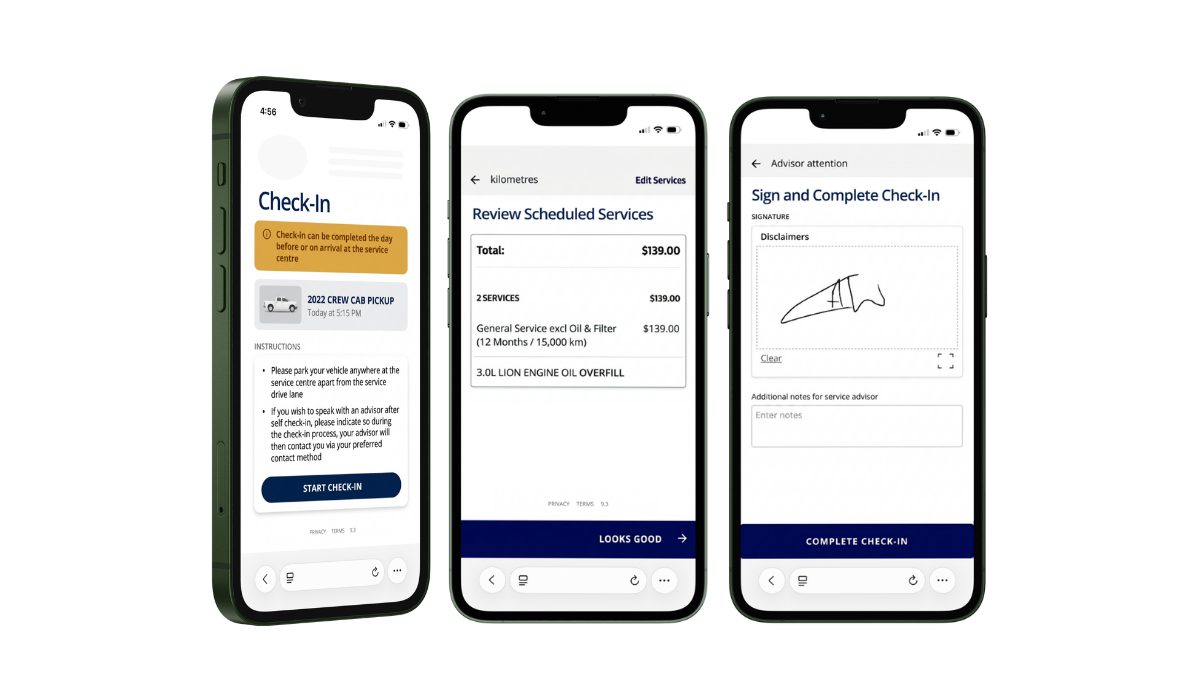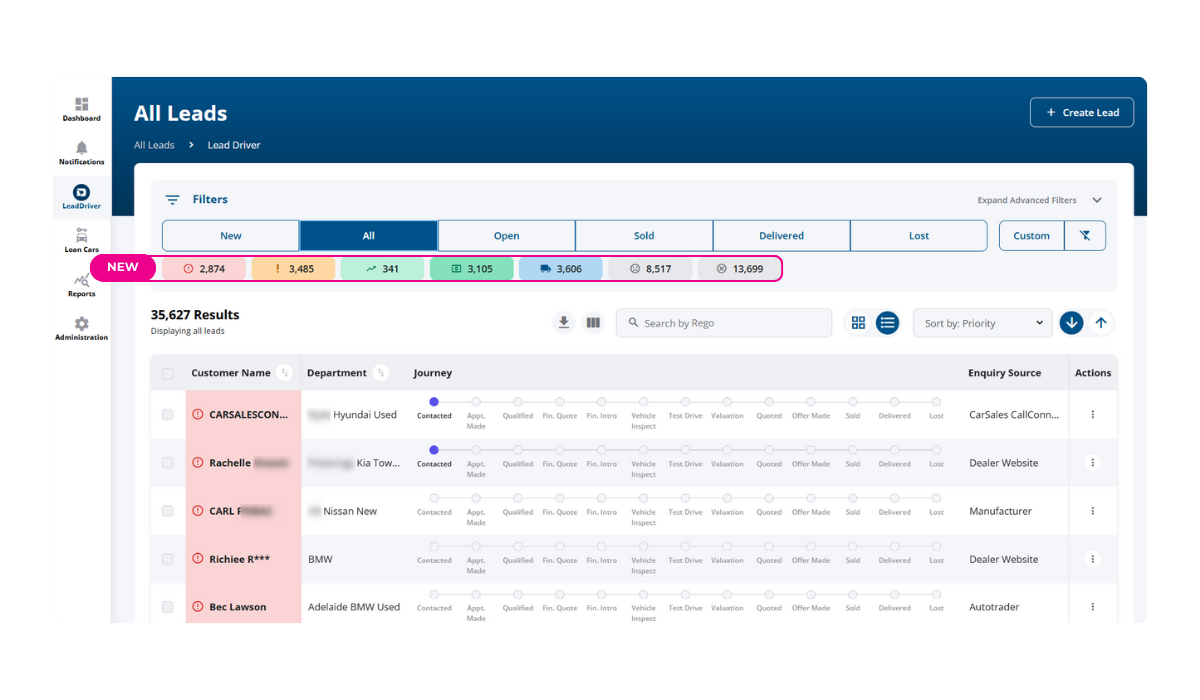

Behold the traffic light filters! We’ve added another layer of filtering in LeadDriver All Leads view. Users can now filter leads by traffic-priority colour (e.g., Red for urgent, Amber for pending, Green for progressing) for faster, more targeted lead management, making lead management faster and more intuitive. Traffic light filters are included for all LeadDriver users with a persistence setting similar to quick filters.
New Lead Source: Digital Ads
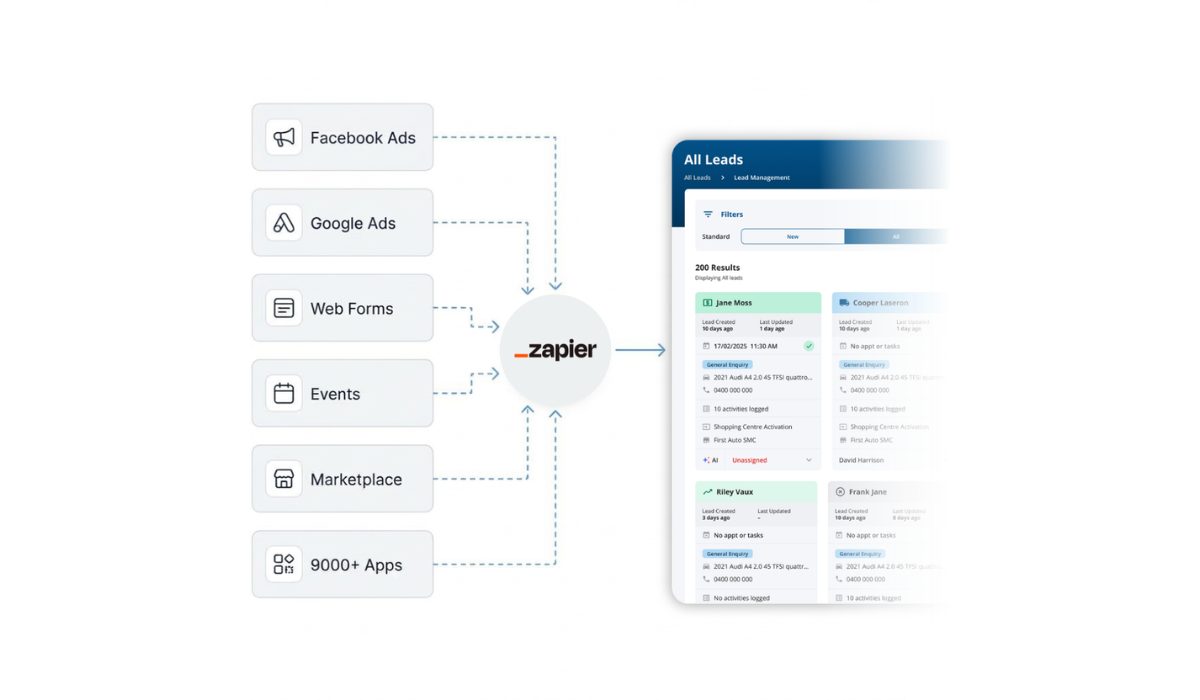
You asked, we delivered! A new lead source, Digital Ads, has been added. This addition helps capture leads from your digital campaigns more effectively.
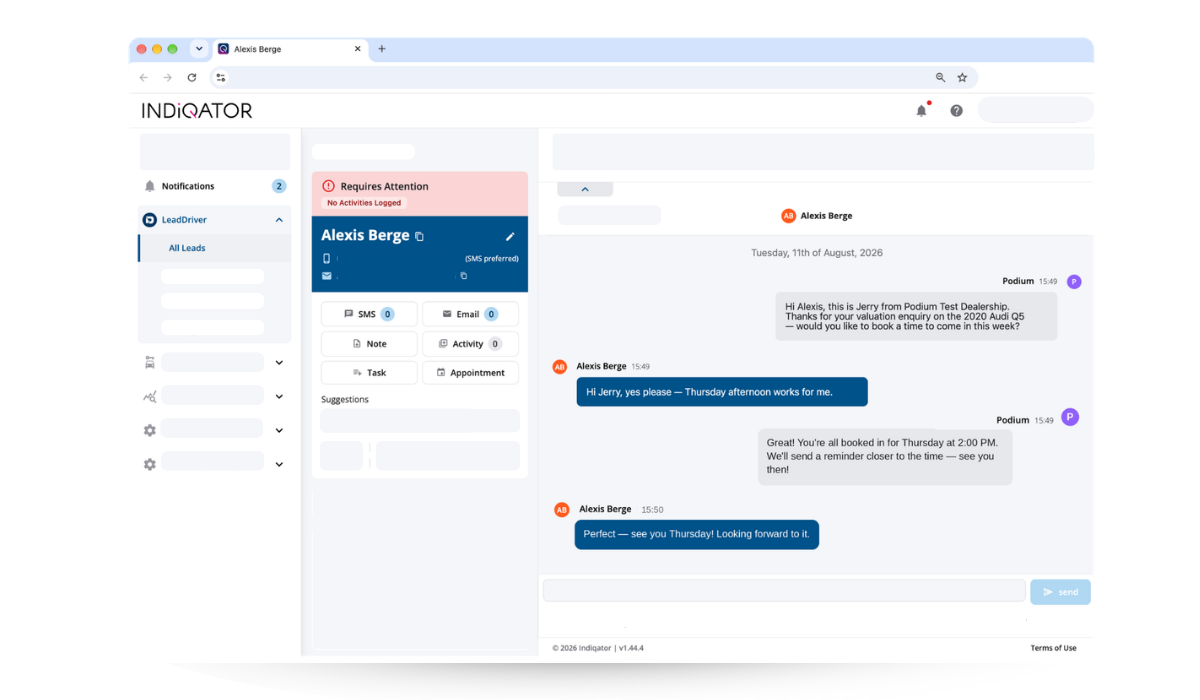
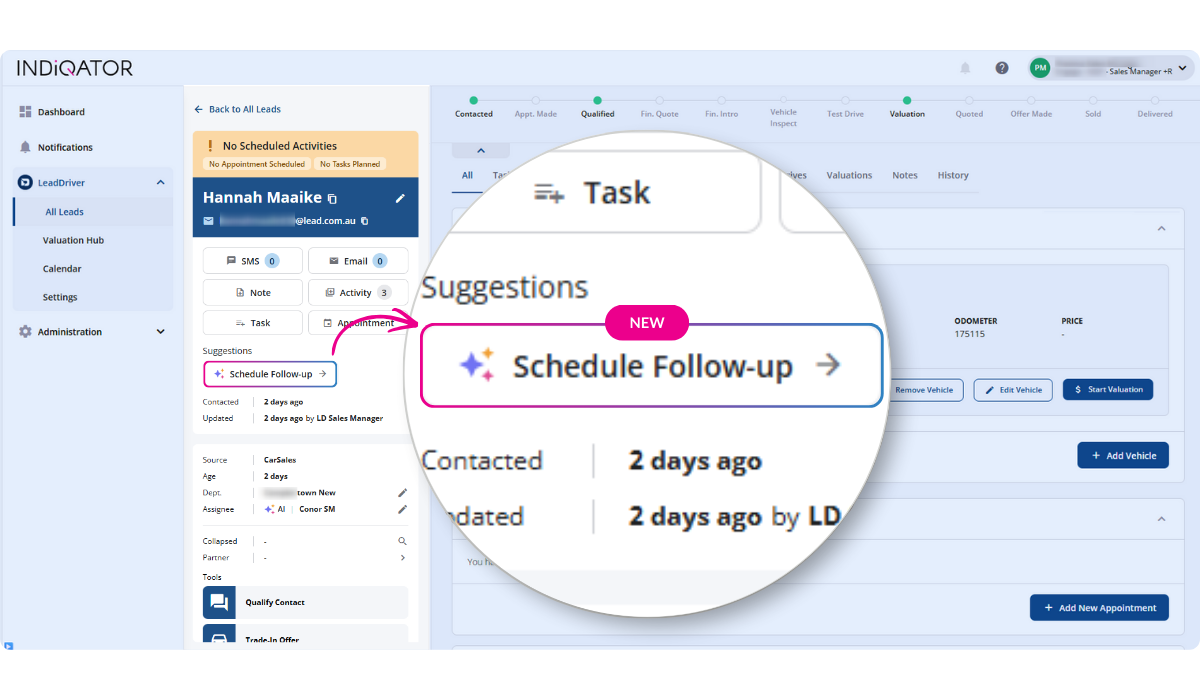
- Clearer priorities: Printed tags now explain why a lead is in its current priority state.
- Smarter notifications: Email and SMS activity counts are visible at a glance.
- All actions in one place: Lead action buttons are now grouped for faster, more consistent access.
- Quick shortcuts: One-click edits for department or assignee, plus collapsible sections for cleaner views.
- Instant copy: Copy key contact details with a single click.
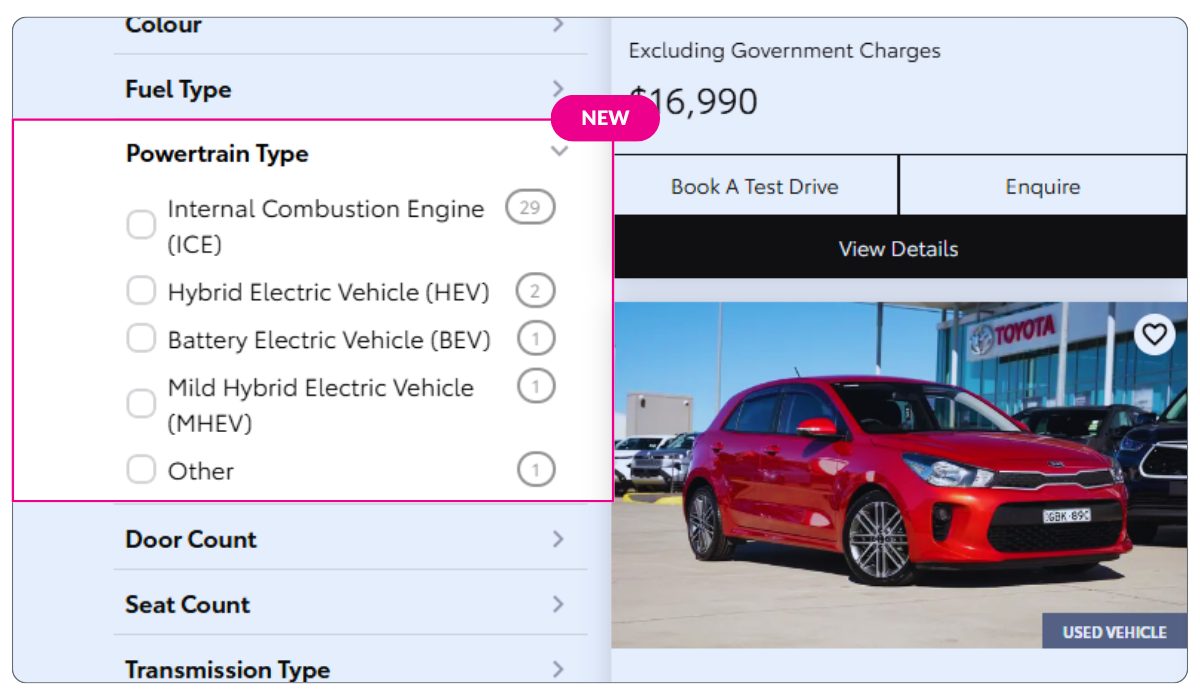
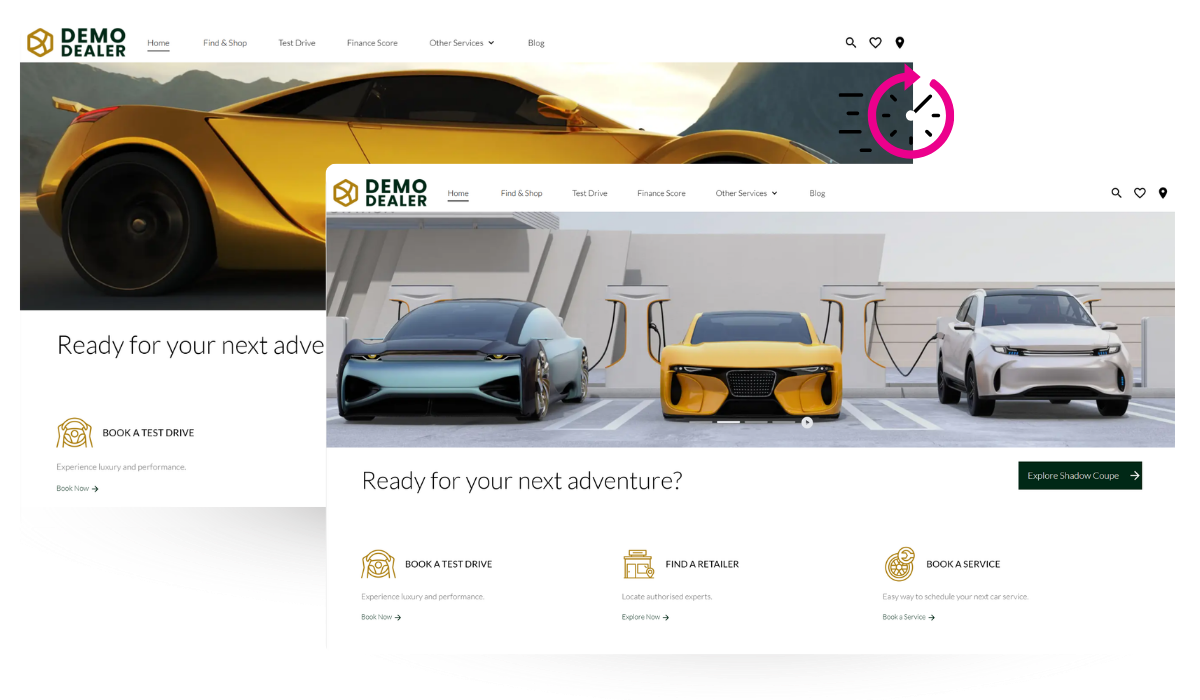
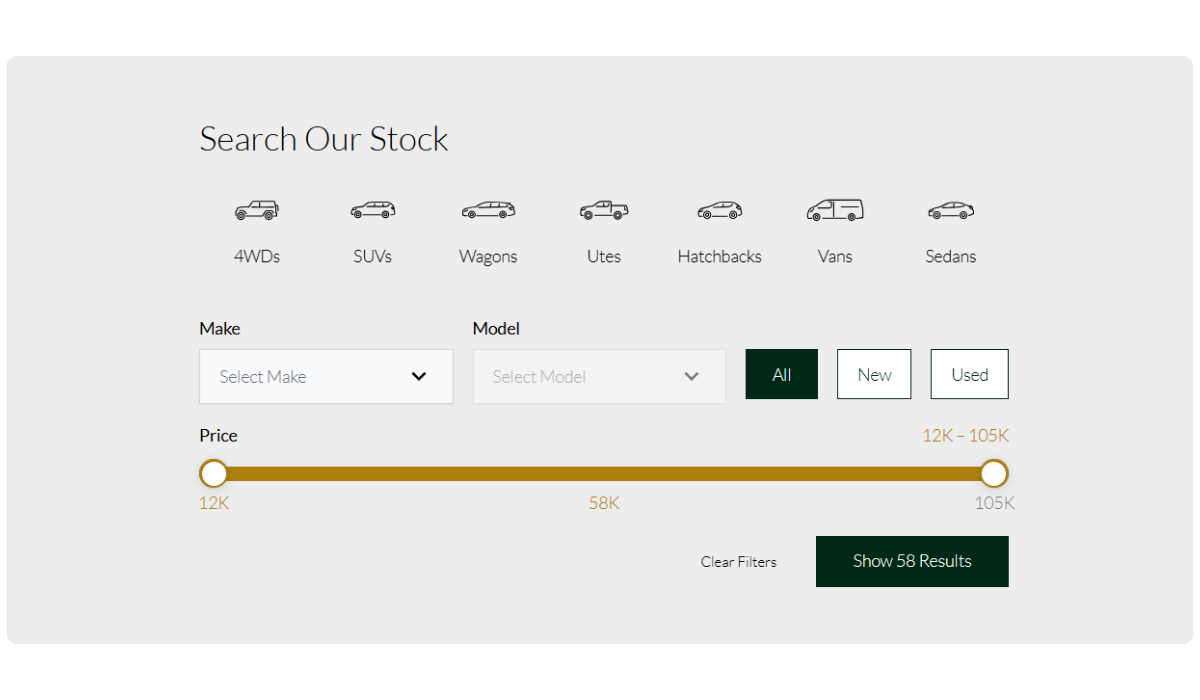
Search results pages on mobile now feature a collapsed filter view, making it easier for users to navigate listings. This update brings vehicle results across all dealership websites built on our Radius platform higher on the page, streamlining the browsing experience and helping customers find what they’re looking for faster.
Location Control on Forms
You can now limit location options on your website forms. This added functionality allows for more tailored form configurations, ensuring customers are directed to the most relevant dealership locations.

Continuous Platform Improvements
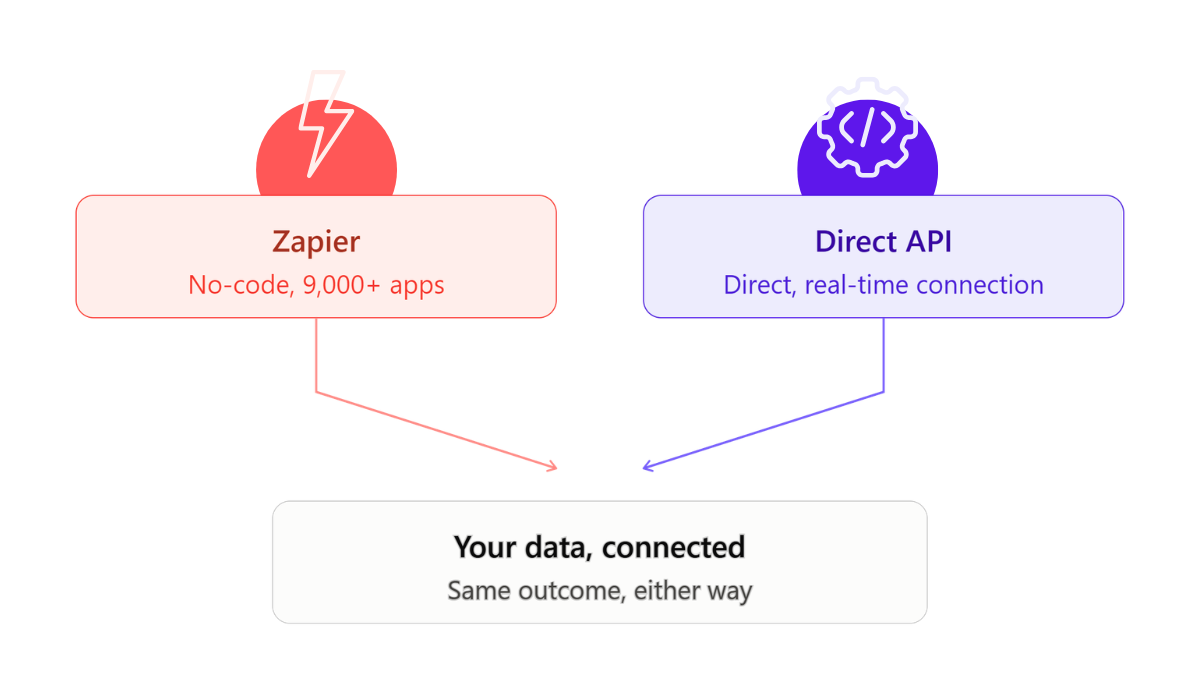
We’re always working behind the scenes to keep our Radius website platform running smoothly and efficiently. Recent updates include refinements to visual styling, improved data integrations, and enhanced stability across key features. These ongoing improvements ensure your dealership website remains fast, reliable, and aligned with best-in-class digital standards
Bulk Collapse Now Pre-Selects Chosen Leads
When users initiate a bulk collapse from the lead list, the selected leads now appear pre-selected in the collapse view. This allows for immediate drag-and-drop assignment as primary or secondary leads—saving time and reducing friction in the lead consolidation process.
New “Start Valuation” Button for Buying Department Leads
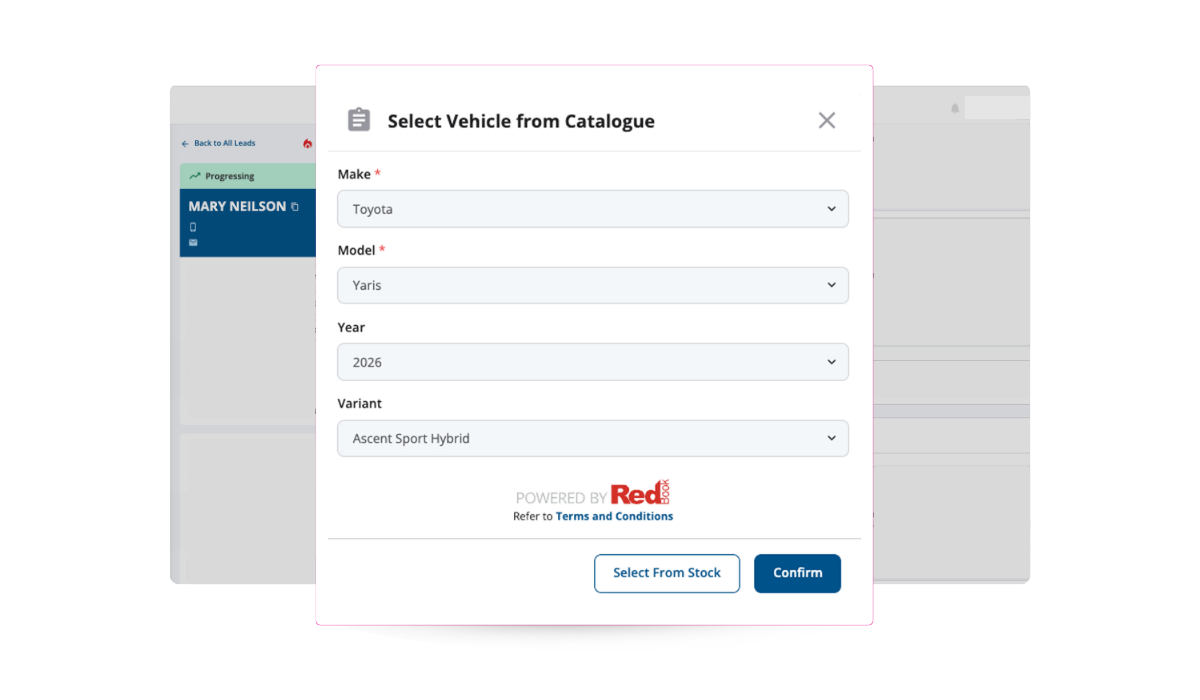
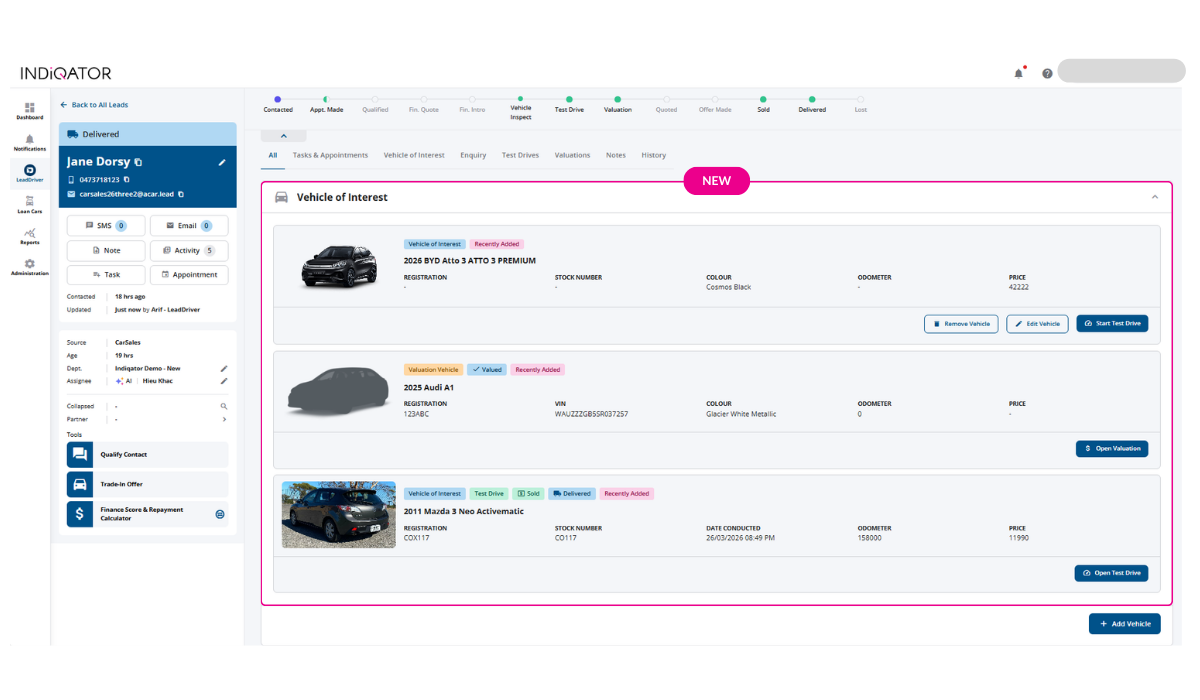
For valuation-related enquiries and buying department leads, a new “Start Valuation” button replaces the previous Start Test Drive option. This feature enables sales teams to launch the valuation process directly from the Vehicle of Interest view, with registration and state details automatically populated, eliminating manual navigation and data entry. Take a look at the quick video below:
Leads originating from Carsales now display the exact URL where the enquiry was generated. This update also ensures accurate vehicle details are shown, even when stock matching isn’t possible, providing greater transparency and context for sales teams.

You can now view and update the Insurance Status directly from the log slideout.
- Manually mark whether a deal has been quoted for insurance.
- If an insurance update is received via an integration (e.g., Allianz), the status will automatically be updated. Once the quote is completed in Allianz (which must be done via the integration), the status will be automatically updated.
- If an insurance has been purchased (initiated via Allianz integration), the status will automatically update to Sold.
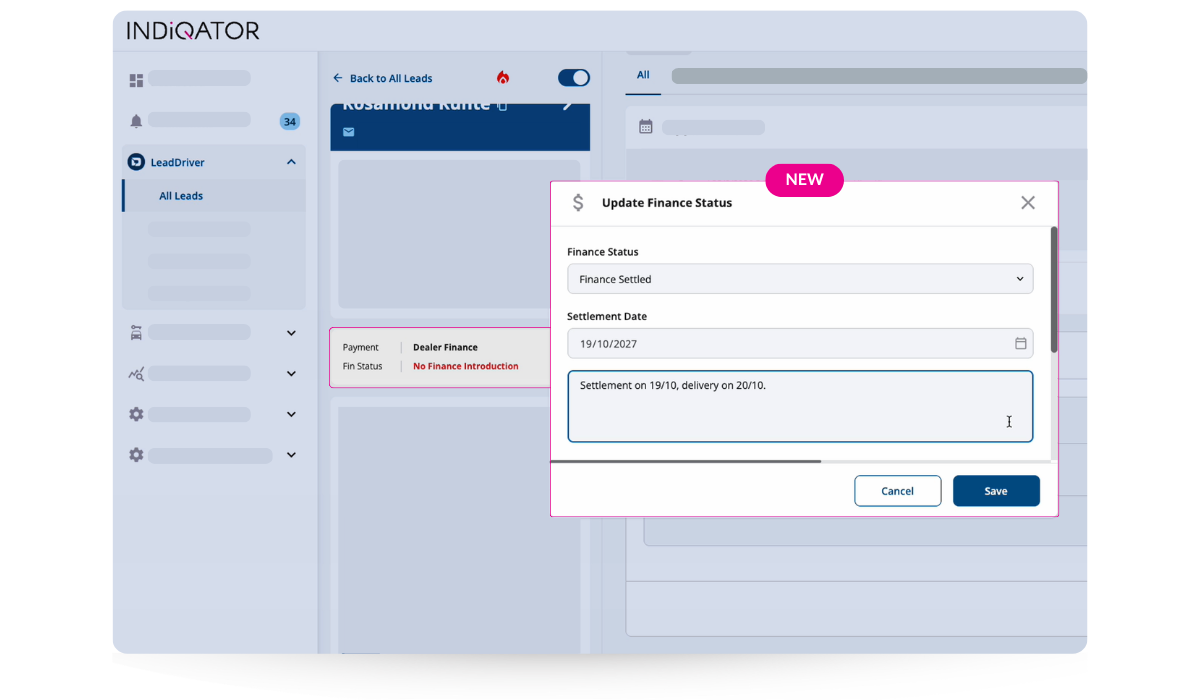
New Finance Status Options
Two new options: Clawback and Quoted, have been added to improve deal tracking and visibility.
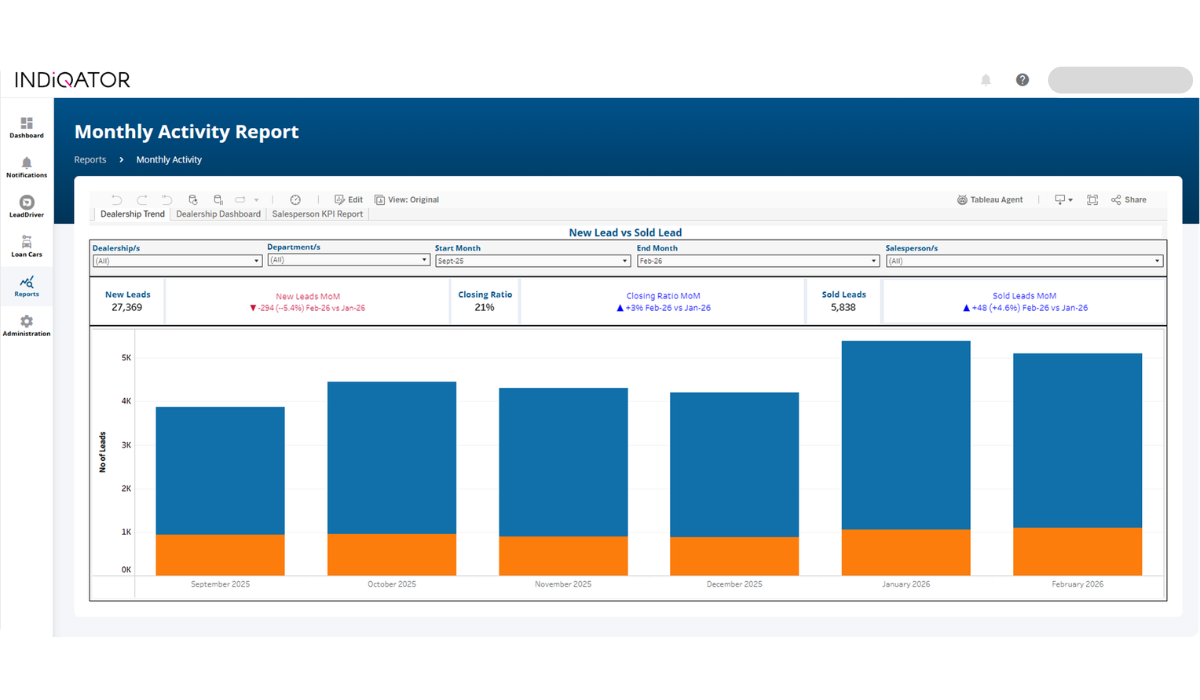
New KPIs: Finance and Insurance Rate
We’ve introduced two new KPIs to help you measure quote activity across your team:
- Finance Quote Rate: % of deals with a finance quote
- Insurance Quote Rate: % of deals with an insurance quote
- These KPIs can be selected and applied just like existing ones, giving you deeper insights into team performance.